


Chat → approved plan
AI director prepares the script and scenes

Not just one clip.
AI director prepares the script and scenes

Images, voice, music and avatars before render

Scenes, voice, sound and music in one video

The right engine for each production task
01AI project director
Director turns a chat about your idea into a script and an editable scene plan, then prepares the images, voice, sound, music and AI avatars each scene needs. Check what will be created, ask for changes, then approve the complete production.
 Discuss the goal, audience, format, references and constraints in plain language, and add photos or audio right in the chat.
 Review the script, scene order, images, voice, music and presenters before render.
 Planning and preparation are free. You see the credit price before the video generation runs, and you can revise one scene later without rebuilding everything.
Create a 30-second launch reel from this product photo.
I prepared the script, five scenes, images, voice, music and a presenter.
 Product photo to motion9:16
 Still image to motion9:16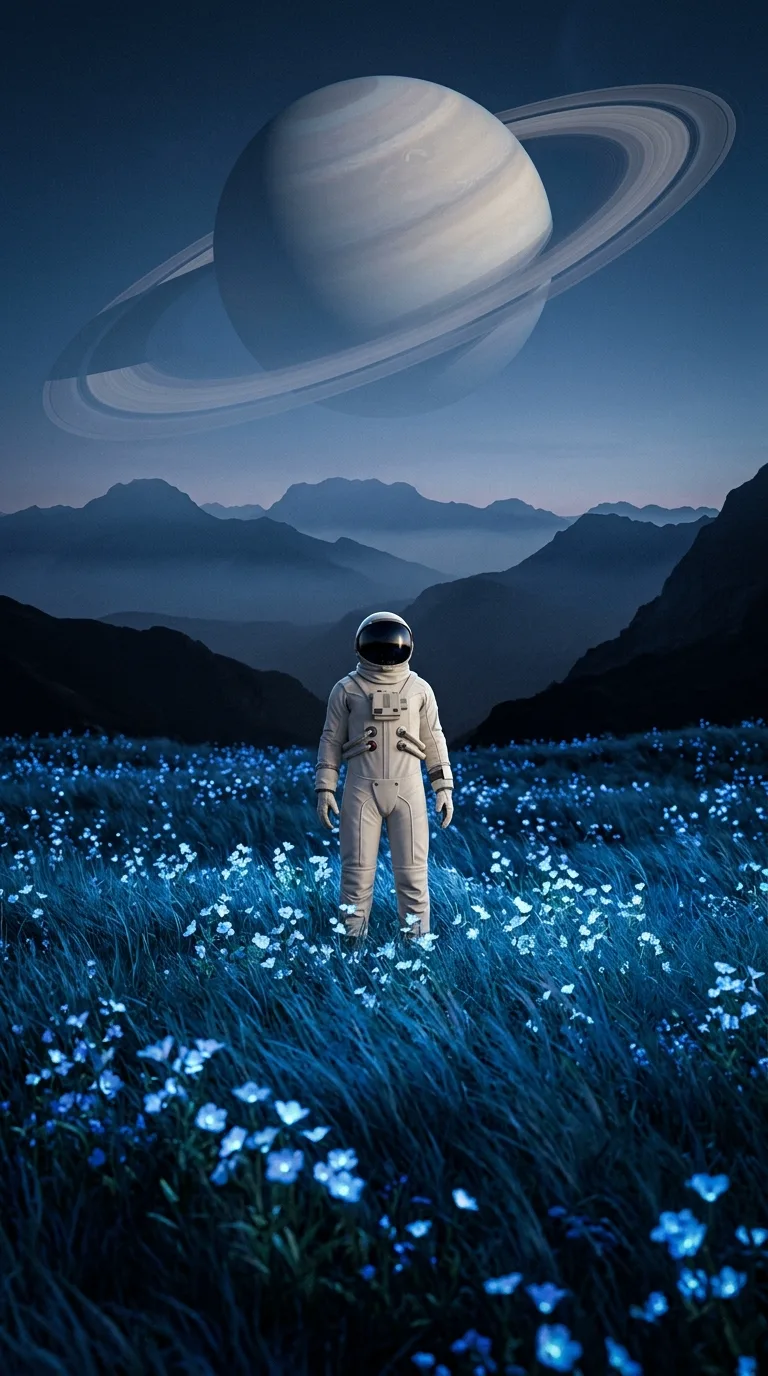
 Talking avatar9:16
02Video Studio
Choose one of 8 focused workflows, then use the result in your larger story.
Best AI models · one workflow
Choose the best engine for the shot, image, or presenter. VlogMe carries the result into scenes, voice, music and a complete video.
One multimodal engine for generation, native audio, readable text, and natural-language video edits.
Explore modelSeedance 2.5 for longer continuous scenes of up to 30 seconds, stronger prompt adherence and synchronized native audio.
Explore modelStrong controllable movement, action, character motion, and a dedicated motion-control family.
Explore modelHigh-end realism, hero shots, native audio, and dependable first/last-frame transitions.
Explore modelFast, expressive social clips with native audio: Grok Imagine 1.5 animates images, and Grok Imagine also generates from text and edits short clips.
Explore modelPrecise image generation and editing, strong text rendering, references, and mask-based inpainting.
Explore modelPremium multi-reference composition, localization, product fidelity, and brand consistency.
Explore modelPolished campaign imagery with strong reference-guided composition, people, products, and coherent visual storytelling.
Explore modelHigh-fidelity premium synthesis for photoreal scenes, products, people, and compositions guided by references.
Explore modelDesign-led premium generation for polished brand visuals, advertising concepts, illustration, and graphic compositions.
Explore modelExpressive talking heads and creator-style performance from a portrait plus audio.
Explore modelDetailed full-body and audio-driven character performance beyond a simple talking head.
Explore modelA professional, ready-made Avatar V presenter that delivers your voice track, with no portrait needed.
Explore modelPremium lip synchronization for replacing speech in an existing video.
Explore modelPremium motion transfer from a reference clip to a selected character image.
Explore model03Formats people know
Make product ads, social stories, explainers, cinematic clips, and multi-scene videos in portrait or landscape.
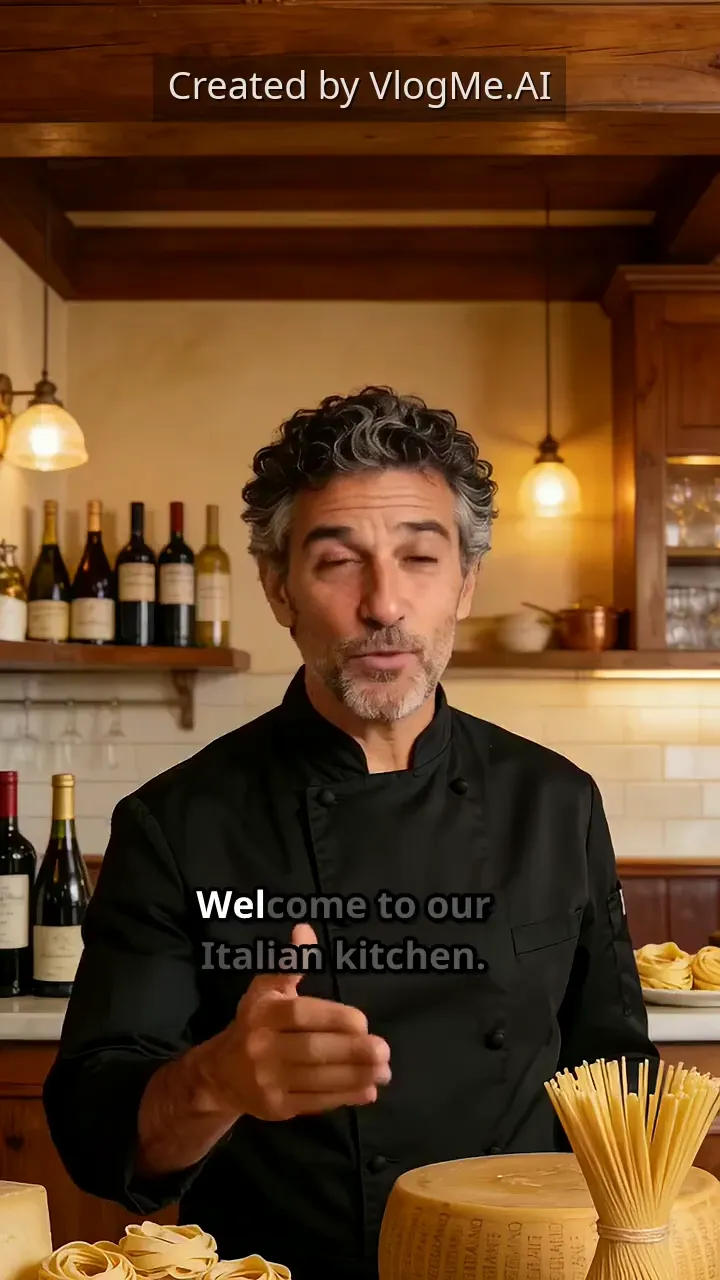
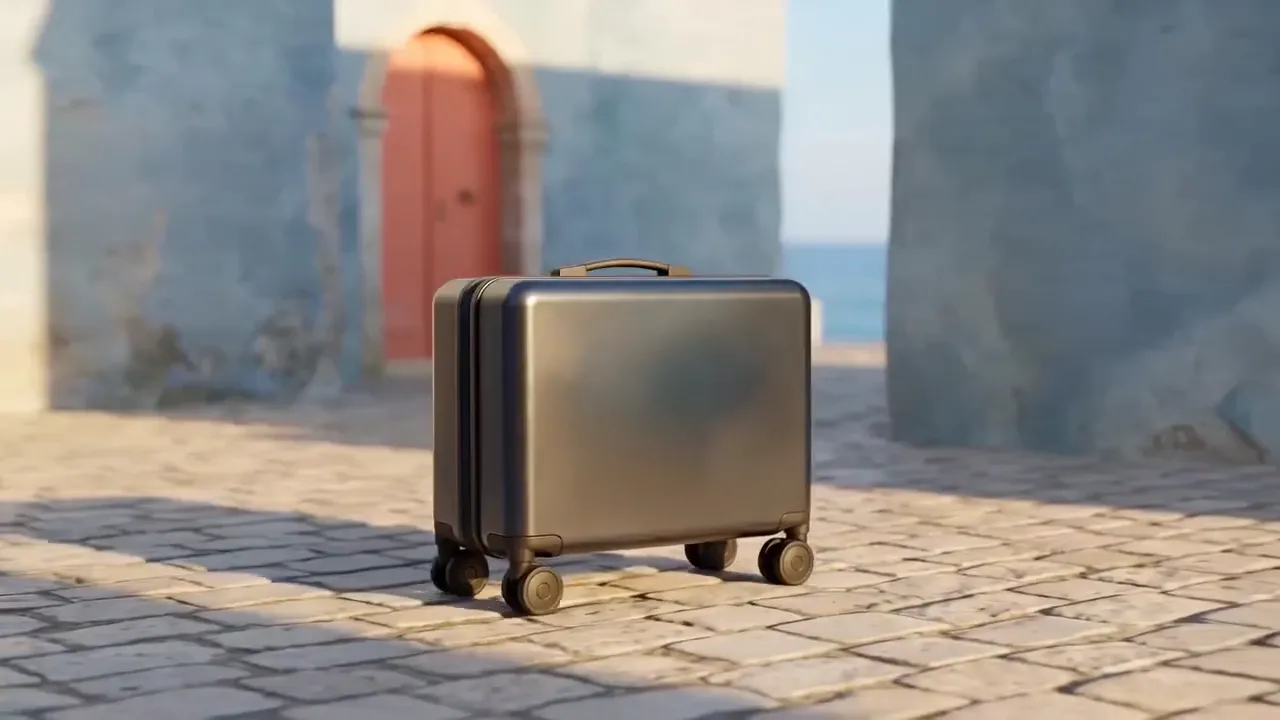
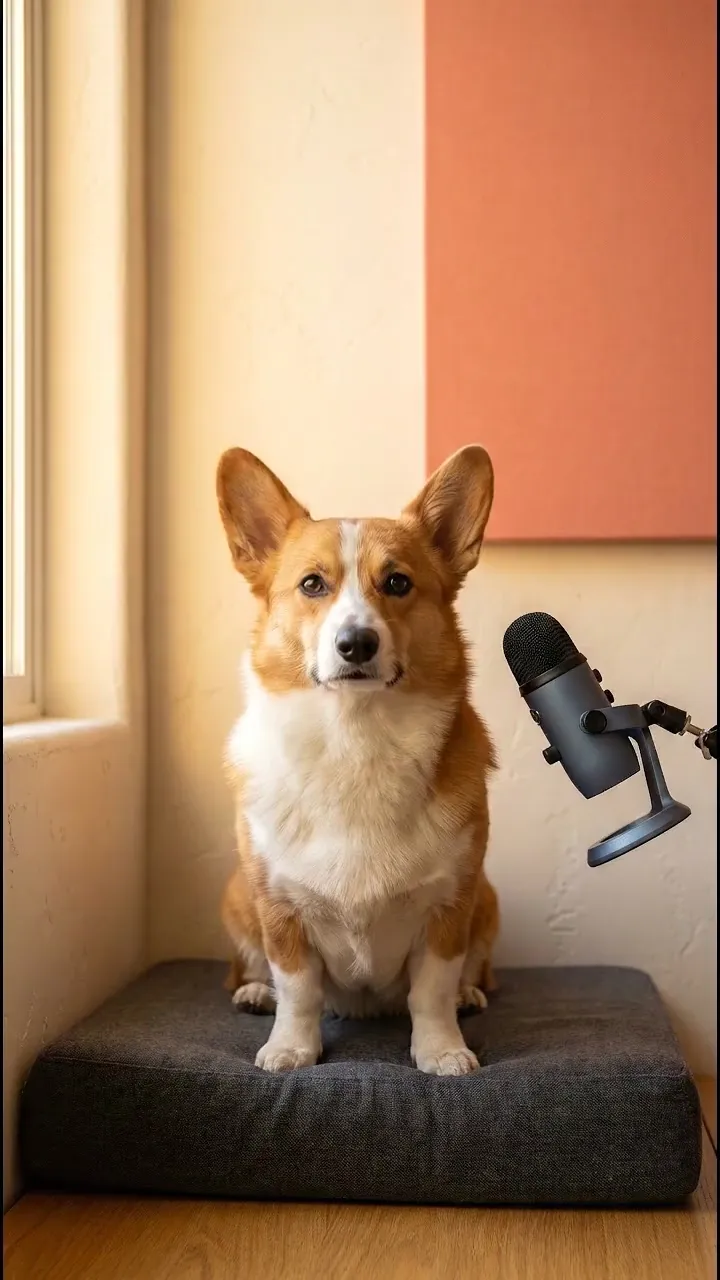
04Audio Studio · voice and sound
Create voiceovers, work with a voice you have permission to clone, swap the voice in a recording with speech-to-speech, generate music and sound effects, transcribe speech, clean voice audio, and prepare subtitle files.
 Voiceover
 Voice clone
 Voice changer
Work with voices and workflows in 30+ languages.
Open Audio Studio05Image Studio & editors
Generate an image, guide it with references, make variations, edit a region or improve its resolution. Continue in the Image or Video Editor when a result needs a final touch.
 Reference edit · GPT Image 23:2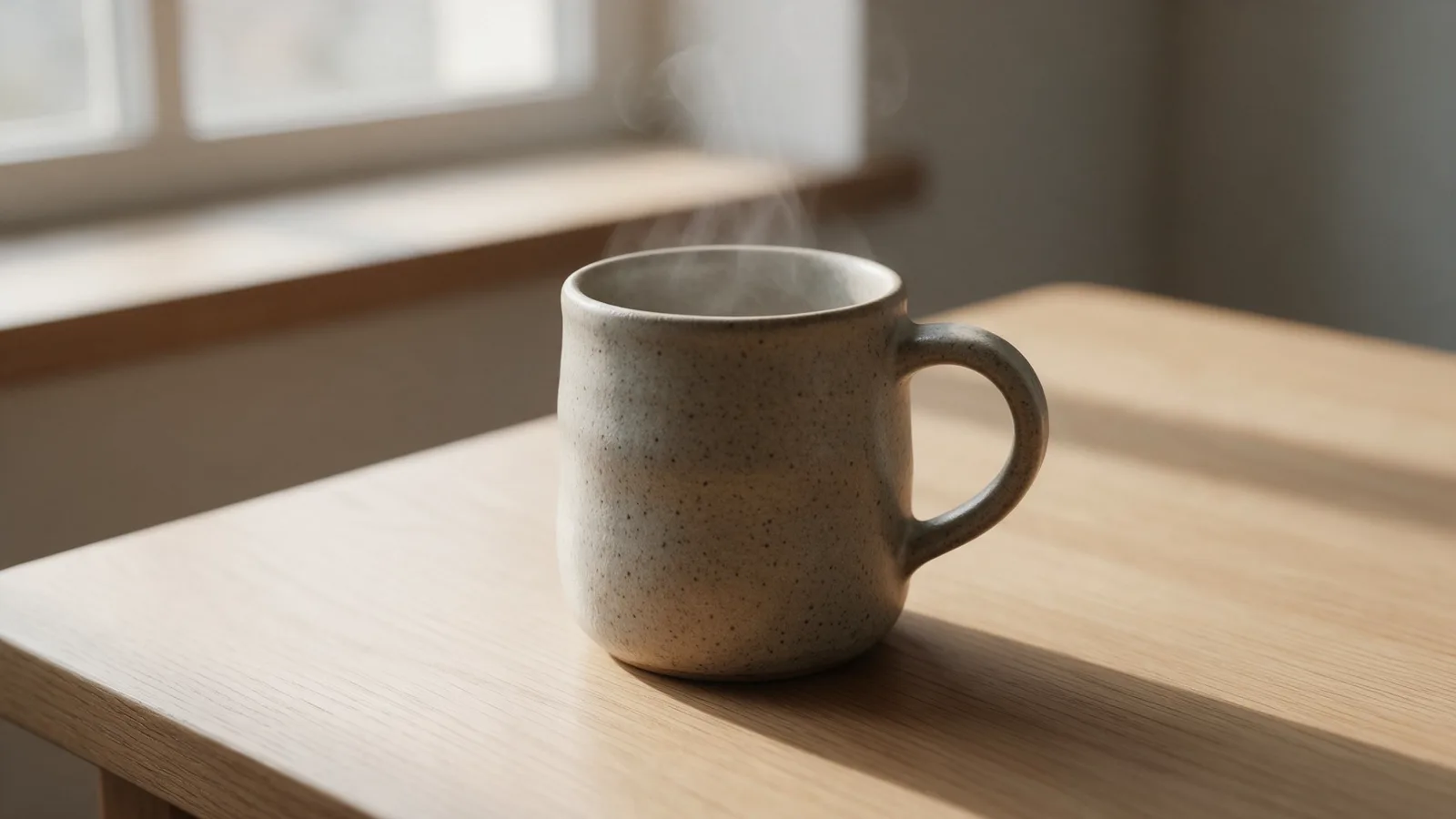
06Aisma
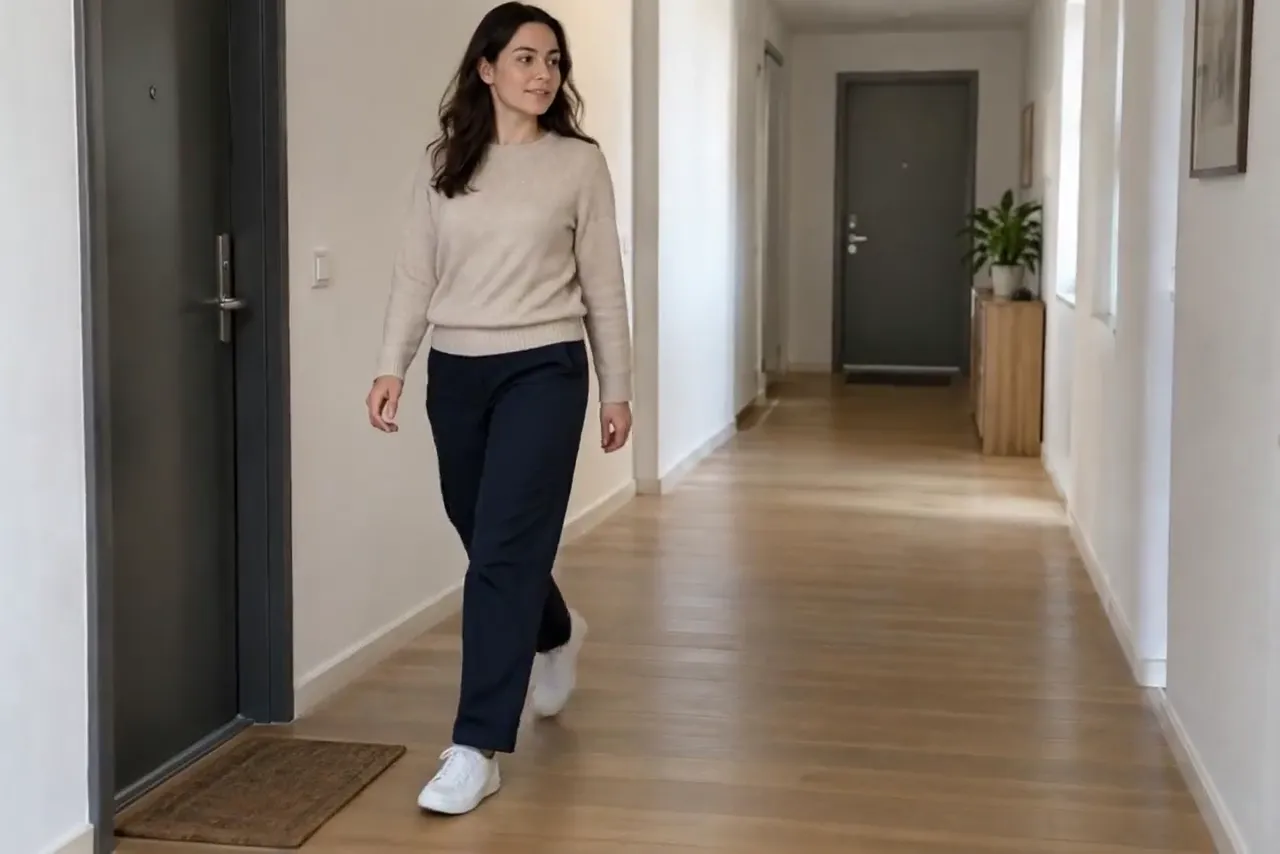
Aisma starts with an existing clip. Compare the original with three different results from the same scene; the motion and action remain the reference.
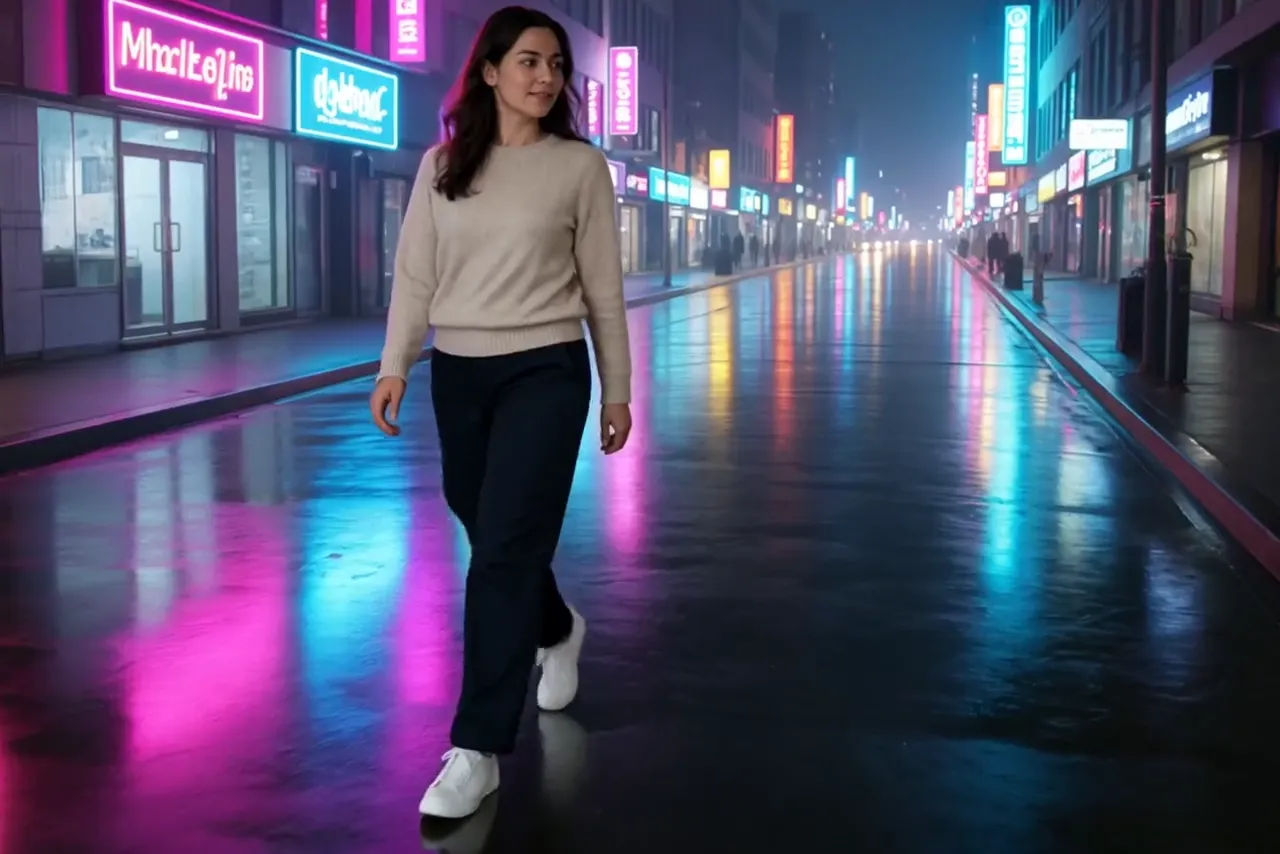
Prompt: “Change the background to a rainy neon city at night.”
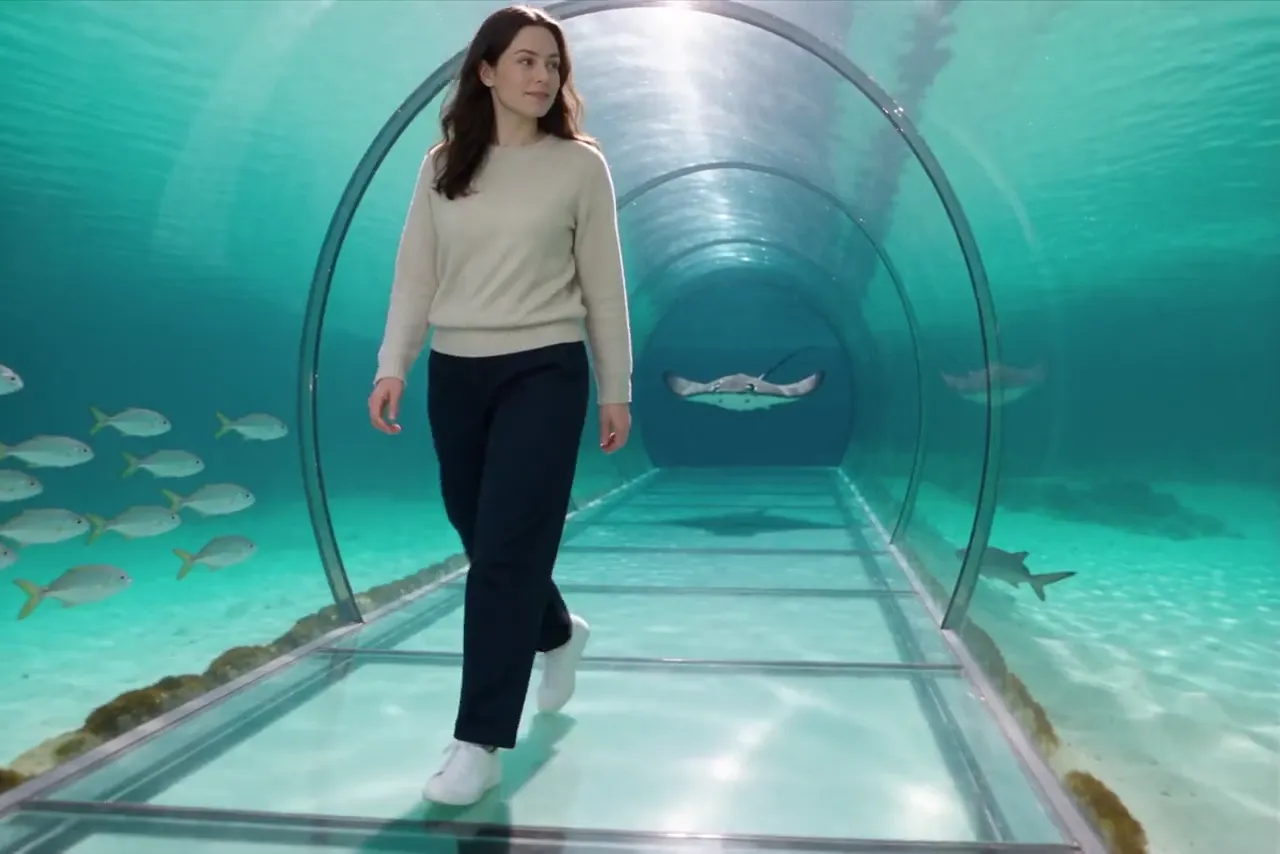
Prompt: “Change the corridor to an underwater tunnel with fish.”
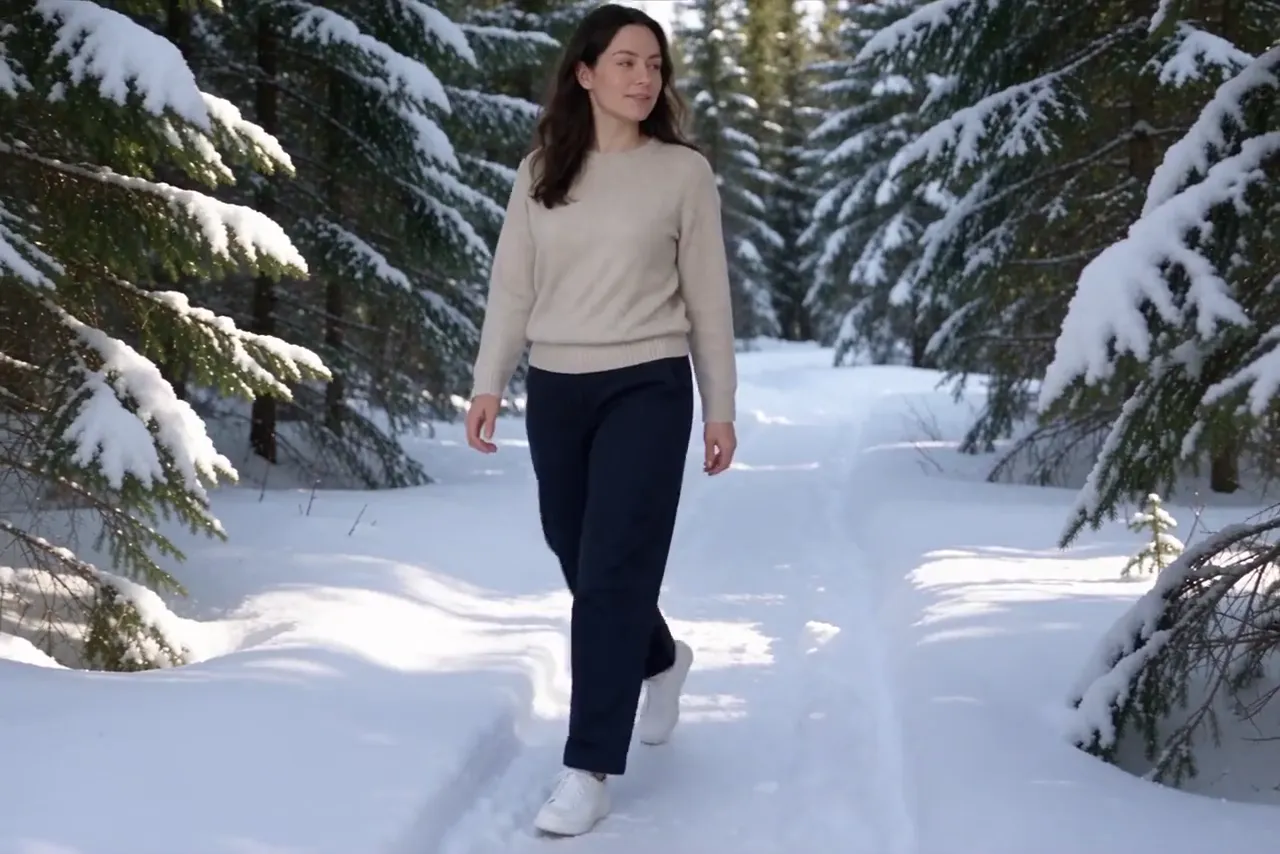
Prompt: “Change the background to a snowy forest.”
07Multi-scene creation
Keep every planned scene in one project, then refine the script, images, voice, effects, timing and music before the final render.
 Multi-scene story made with VlogMe9:16
 Mix avatar scenes, generated shots, your own photos and b-roll.
 Reuse the same character reference, voice and visual direction across scenes.
 Review and adjust the plan before rendering the complete video.
08Creative Lab
Keep images, video, audio, music, voices, exports, and finished stories together. Search your work, reopen it, or recreate an asset with its saved workflow settings.
Create, then distribute
Use connected social accounts to publish now or schedule for later, then return to Trends when you need the next idea.

Prepare the caption and hashtags

Publish now or schedule for later

Use Trends to find the next idea
09Research and translation
Follow a topic and turn reviewed sources into a news video, or take a finished video into another language.
Follow a topic, inspect sources, edit a script and decide when to produce a news video. Monitoring does not automatically publish videos.
Explore productTranslationTranslate an existing video to another language. Choose the target language and review the result in the DUB workspace.
Explore productHow it comes together

Talk through a brief, script, photo or audio with Director and shape it into editable scenes.

Generate or transform the visuals, then adjust voice, media, timing, effects and music.

Review the plan, render the complete video, then download it or publish to a connected social account.
10Enterprise live
Enterprise AI livestream setup is a custom, contact-sales offer shaped around your organization and use case.
 16:9
16:9An AI presenter concept shaped for your organization
A custom livestream plan built around the approved use case
Direct coordination with our team from planning through setup
More examples
Browse curated portrait and landscape videos across avatars, cinematic motion, product stories, and multi-scene formats.
For developers
Use the REST API and MCP server to start jobs from your own tools, track their status and keep every result in the same Lab.
For bigger productions: plan and produce projects up to 60 minutes with Director and work across 30+ languages.
Built for responsible creation
You retain your inputs. VlogMe does not sell your uploads or train on your photos and scripts.
 You retain the photos, scripts, and media you provide.
 Private storage and signed URLs help protect access to your media.
 Analytics omit personal information and prompts.
 Consent controls, Global Privacy Control support, and account deletion are available.
 Signed API webhooks let you verify every event.
Good to know
VlogMe is a complete AI video creation platform. Talk through a story with the AI director, which prepares the scenes, images, voice, music and avatars, then render the complete video. You can also generate or transform video, create images and audio, and keep everything in your Lab.
Director, Video, Image and Audio Studio, Aisma, Trends, DUB, Lab and editors share one account. Each product has a different role in creating or improving a piece of content.
Depending on the workflow, you can start with an idea or project brief, a script, one or more photos, audio, or an existing video. VlogMe keeps the relevant inputs with each workflow so you can refine them before generation.
Video Studio includes image to video, start and end frames, talking avatar, text to video, video restyle, video upscaler, lip sync, and copy movement. Available models and input requirements can vary by workflow.
Aisma begins with video you already have and changes its appearance or content. Video Studio can generate a new clip from text, images or other supported inputs.
Trends helps research sources and prepare a news video under your editorial control. DUB translates an existing video into a selected language.
Audio Studio supports voiceovers, permission-based voice cloning, speech-to-speech voice changing, ElevenLabs music and sound effects, transcription, SRT and VTT subtitles, and voice cleanup, across 30+ languages.
Supported aspect ratios, formats and models depend on the selected workflow. Planning and preparing a project with Director is free; for each generation, you see the exact credit price in the studio before anything runs.
You retain your inputs. VlogMe does not sell your uploads or train on your photos and scripts. Only use photos, audio, voices, and other material you are authorized to use; rights for an output, including commercial use, depend on those source rights and the applicable terms.
Your next video starts here
Plan the story with Director, create each scene, add voice and sound, and bring it together in VlogMe.


